Trial
Try PriceIQ in your own Microsoft Fabric environment.
What's included
The trial gives you access to PriceIQ's pricing, promotion, and simulation capabilities within Microsoft Fabric workspace, so you can evaluate pricing scenarios, competitor response modeling, and promotion impact on sales, revenue, profitability, and market share using your own data.
Trial duration
The trial period is 30 days and starts when the PriceIQ workload item is first created within the tenant.
Trial entry and activation
The trial is initiated entirely from within the Microsoft Fabric portal. No separate Marketplace purchase or external registration is required. Follow these steps to get started.
Step 1: Enable additional workloads (one-time setting)
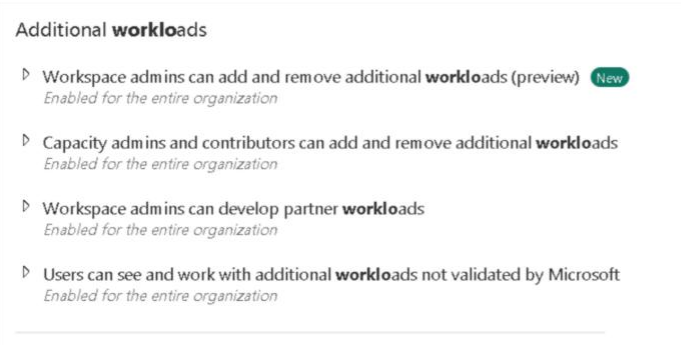
Before you can add the tool, make sure custom workloads are enabled in your Microsoft Fabric tenant:
- In Microsoft Fabric, go to Settings > Admin Portal.
- Make sure the setting is enabled, or contact your tenant admin to enable it.
Step 2: Add the workload from the Workload Hub
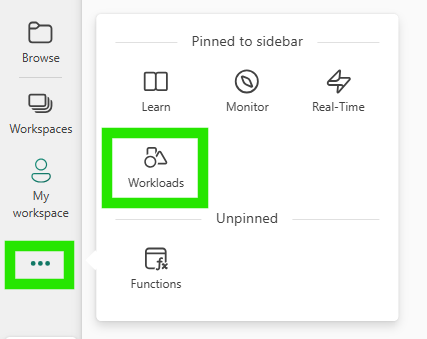
- Open Workloads from the Microsoft Fabric navigation pane.
- Search for PriceIQ.
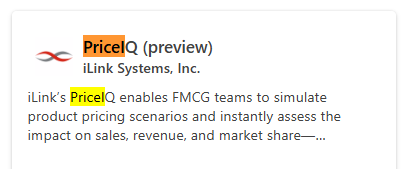
- Select Add to install the workload.
Step 3: Create a PriceIQ item
You can create a PriceIQ item in two ways.
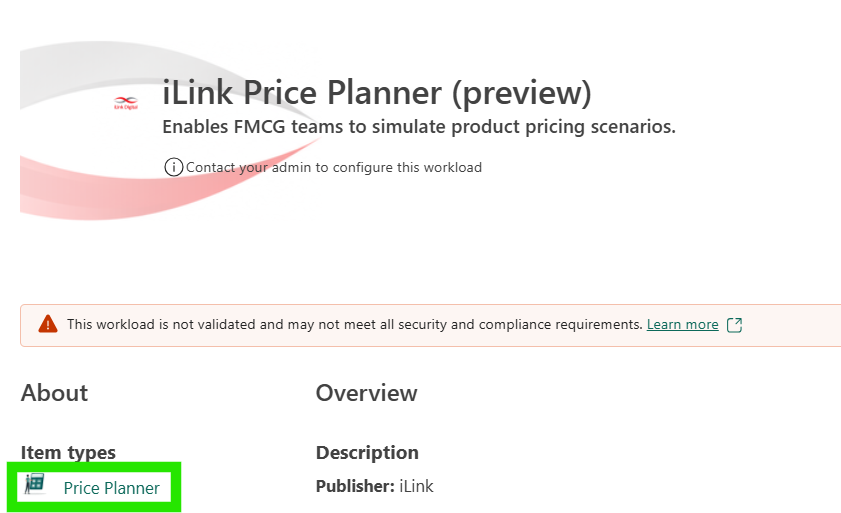
Option 1
- On the PriceIQ workload page, select the PriceIQ item.
- Enter the name of the workload and select Create.
Option 2
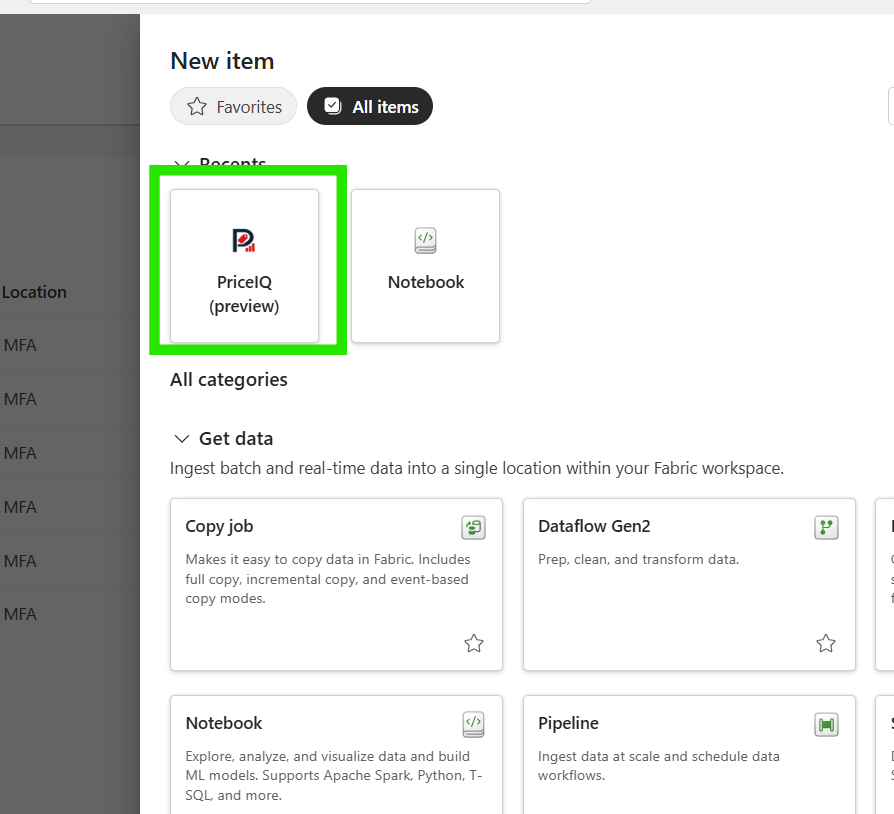
- Select + New item in the workspace where PriceIQ has been added.
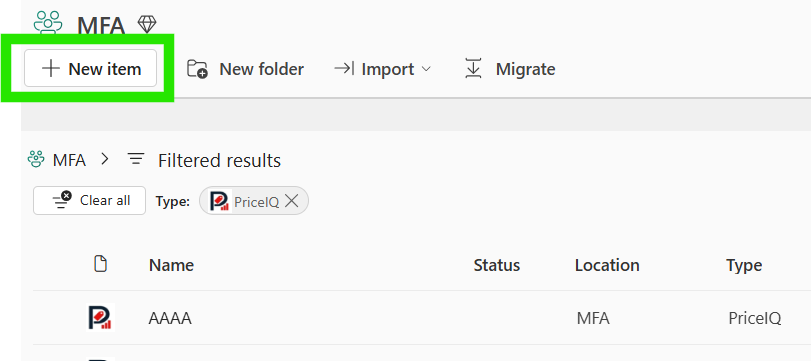
- Select PriceIQ (preview).